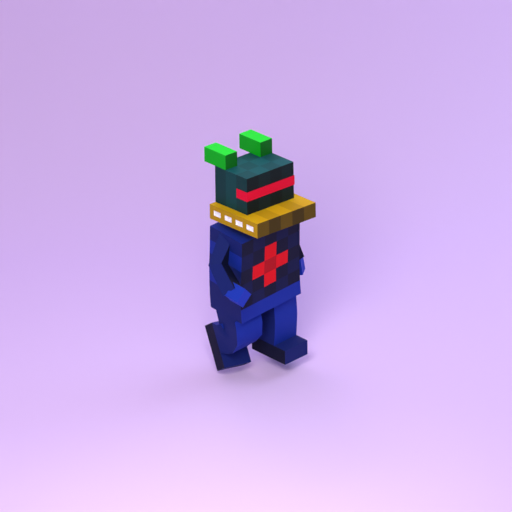
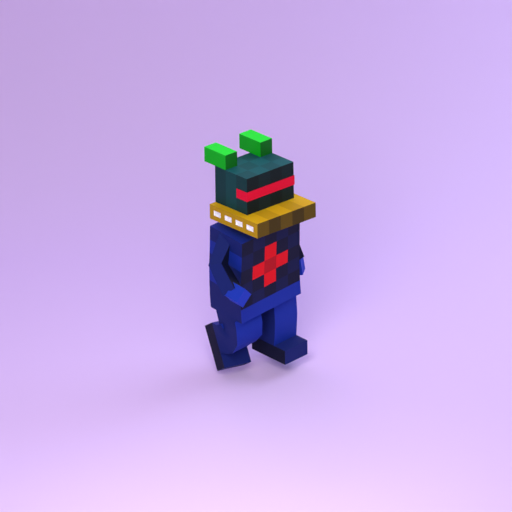
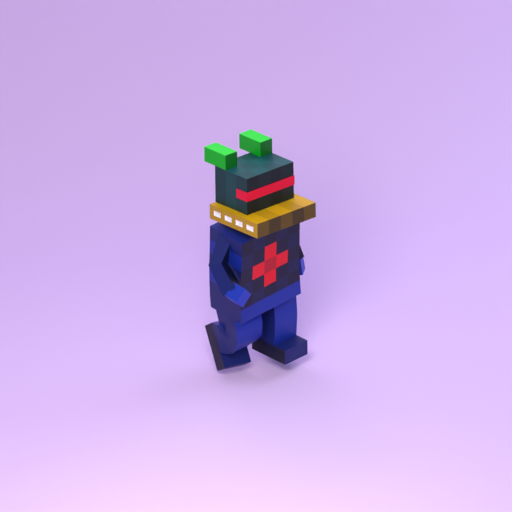
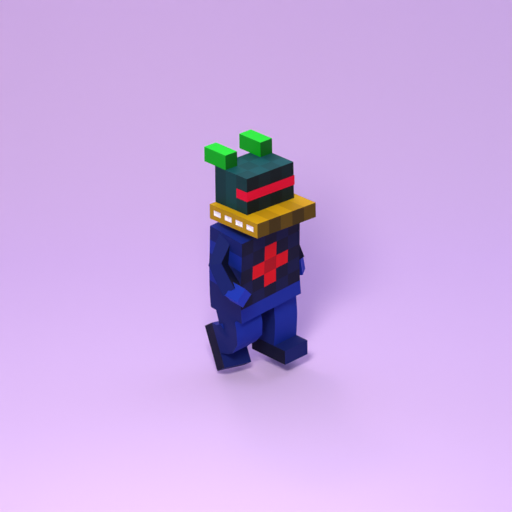
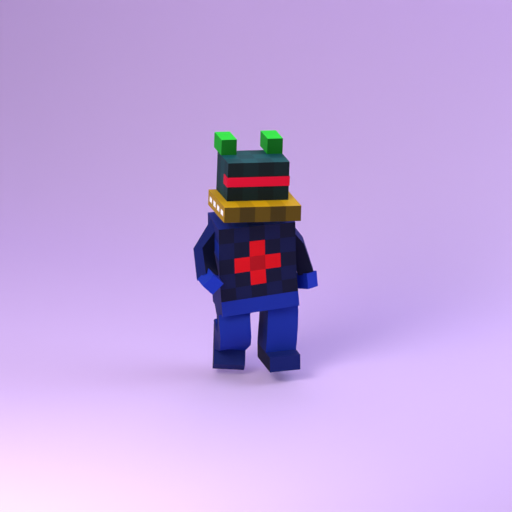
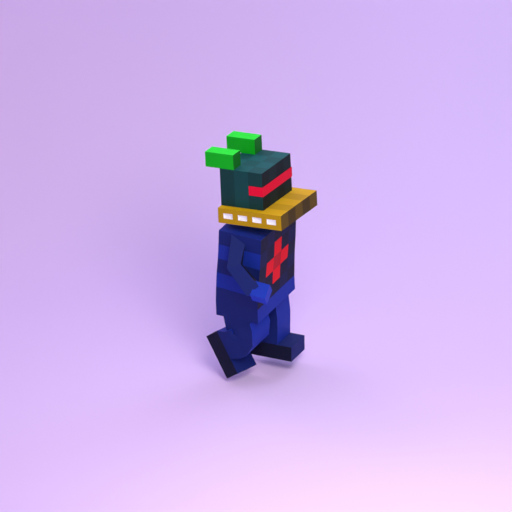
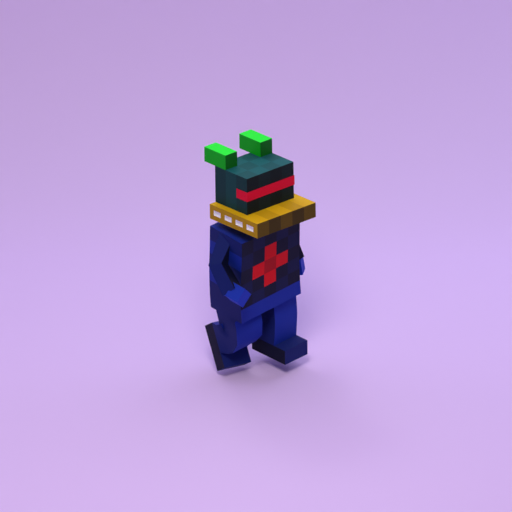
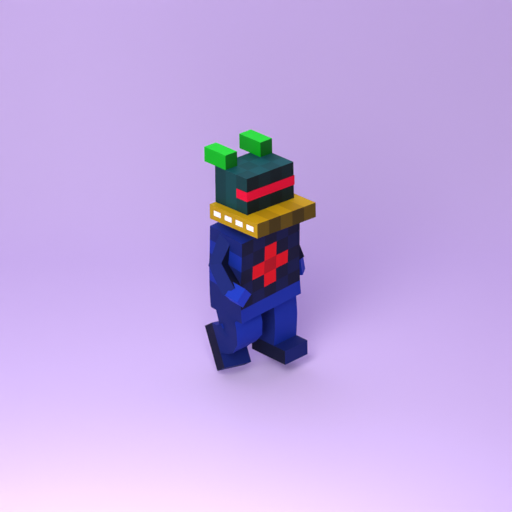
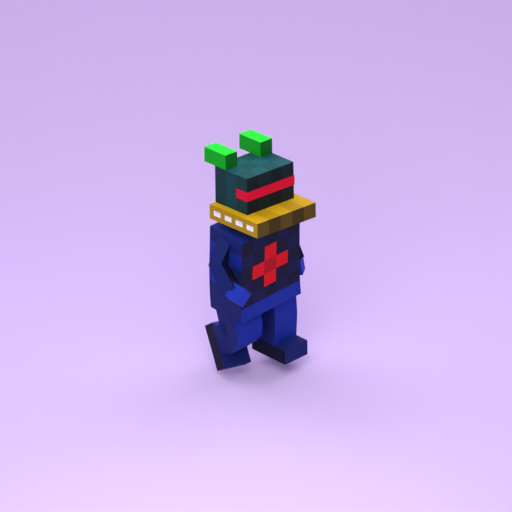
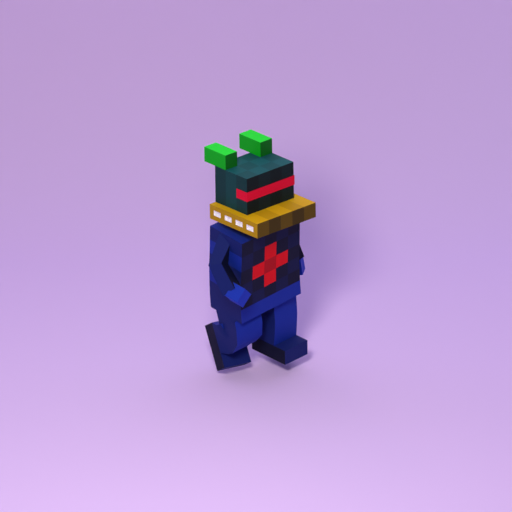
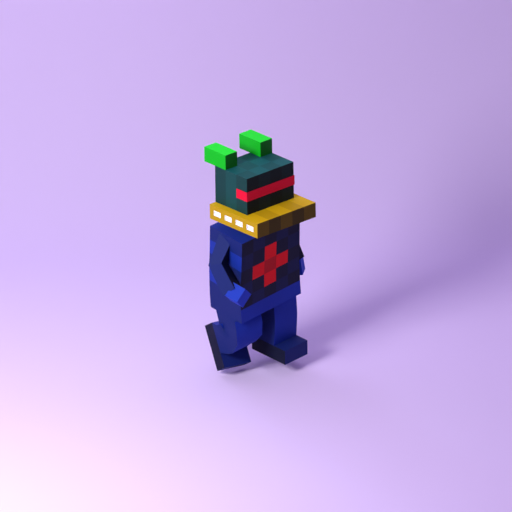
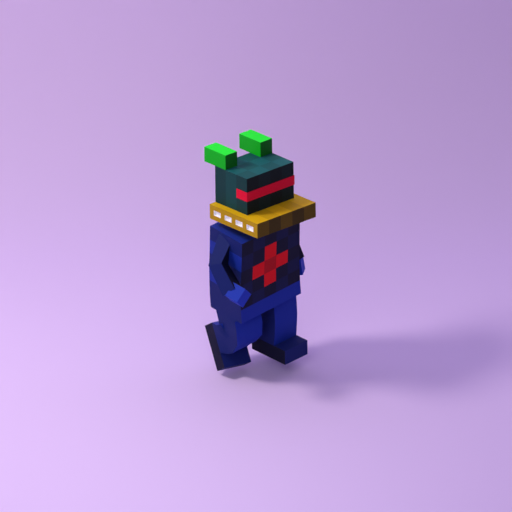
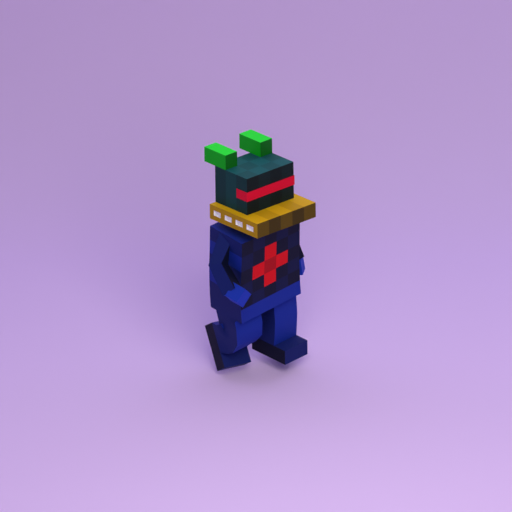
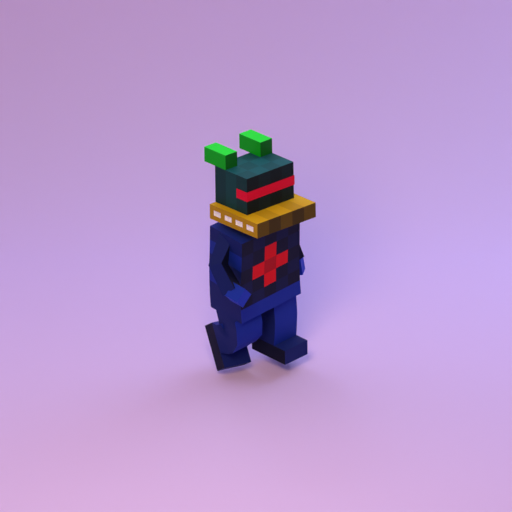
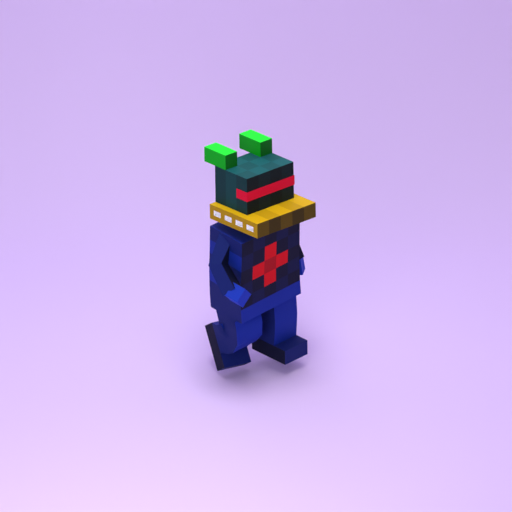
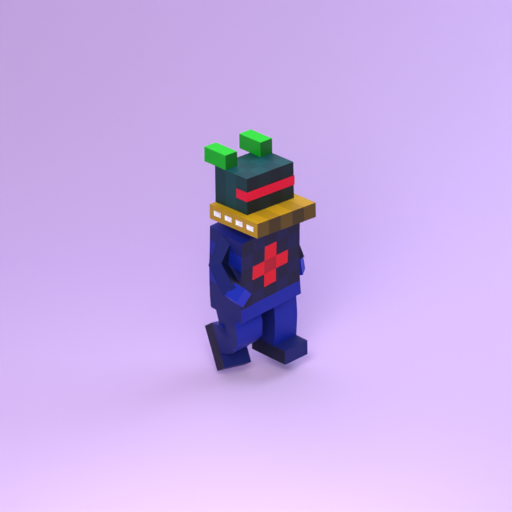
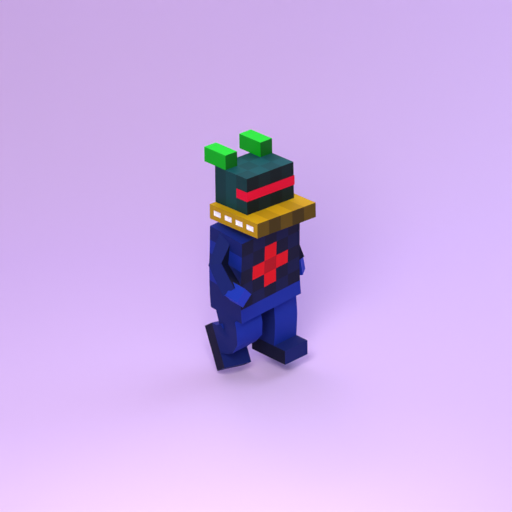
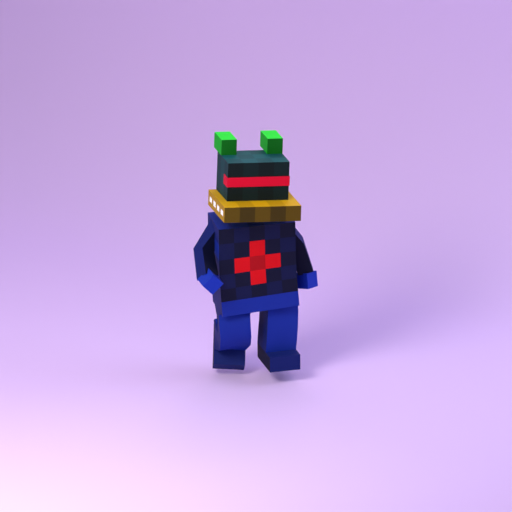
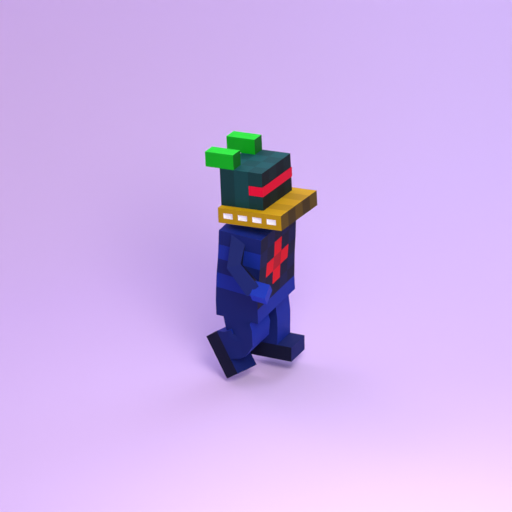
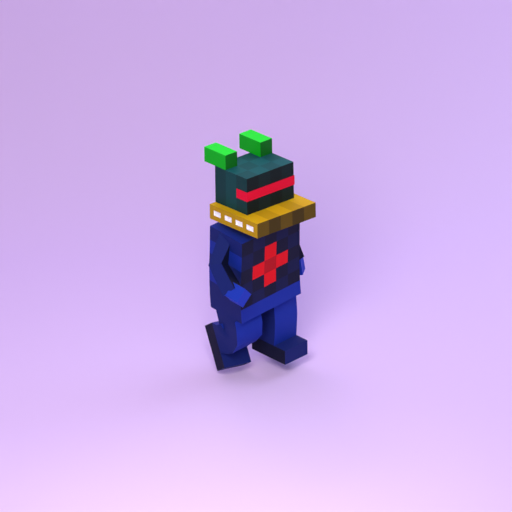
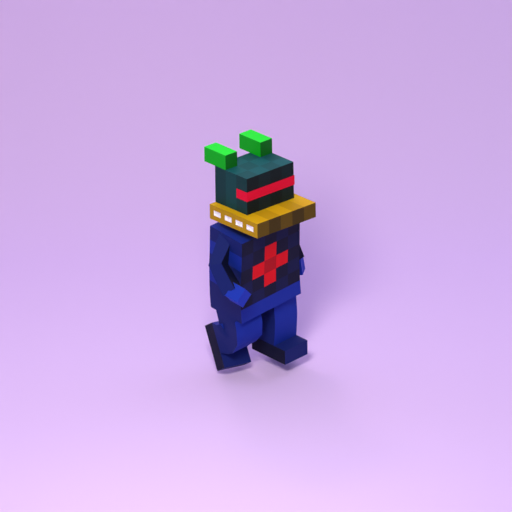
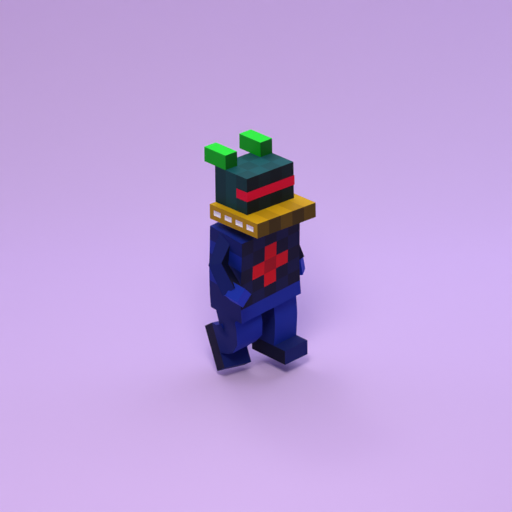
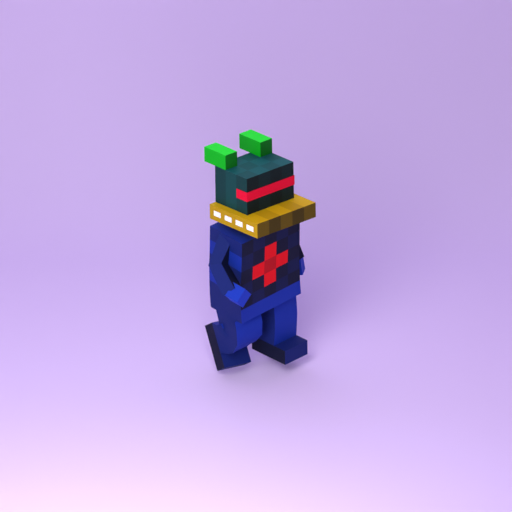
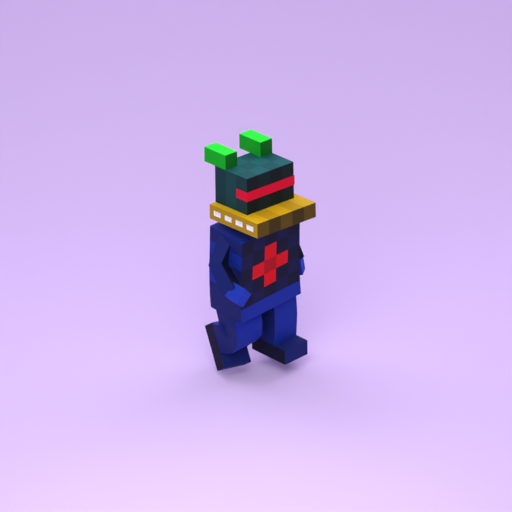
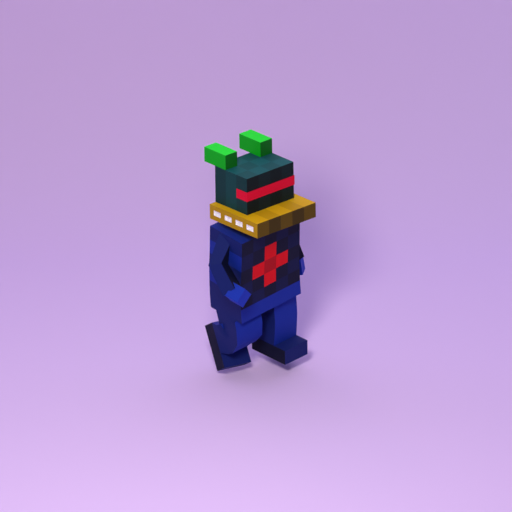
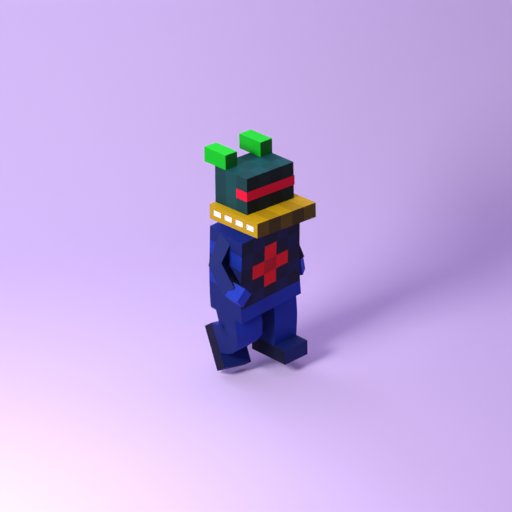
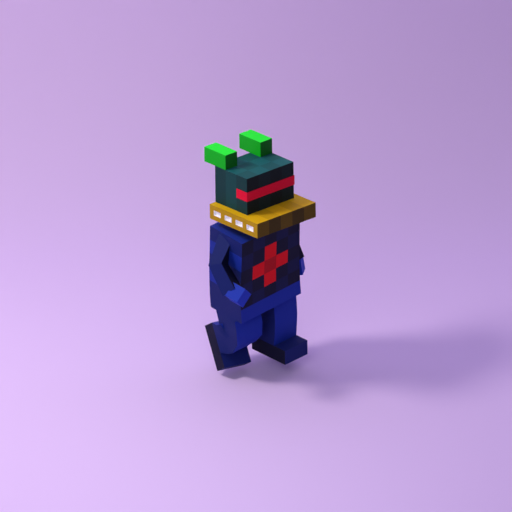
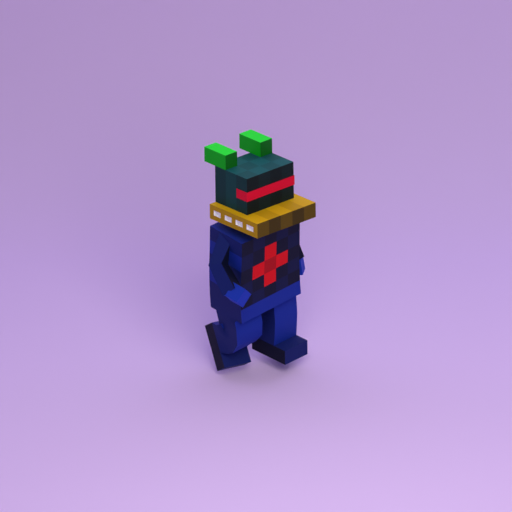
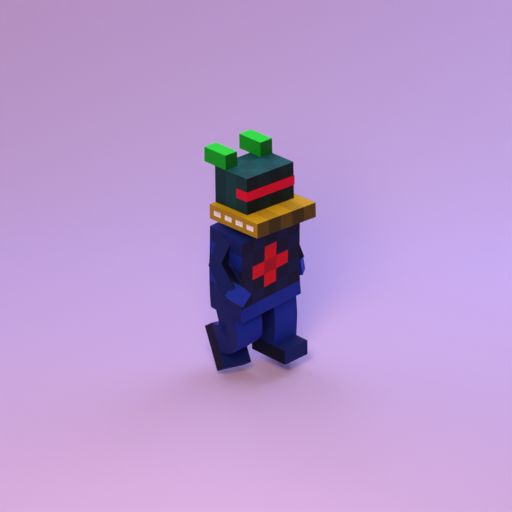
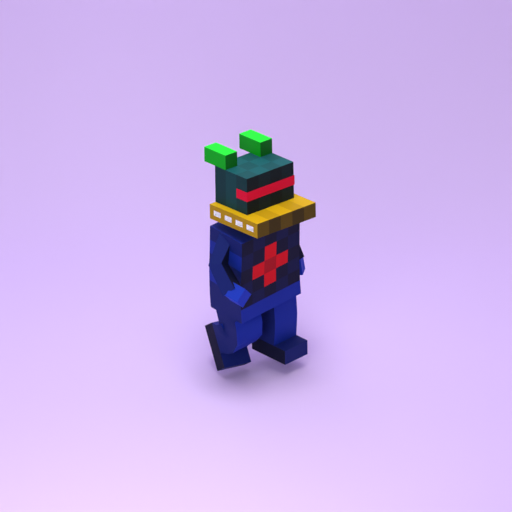
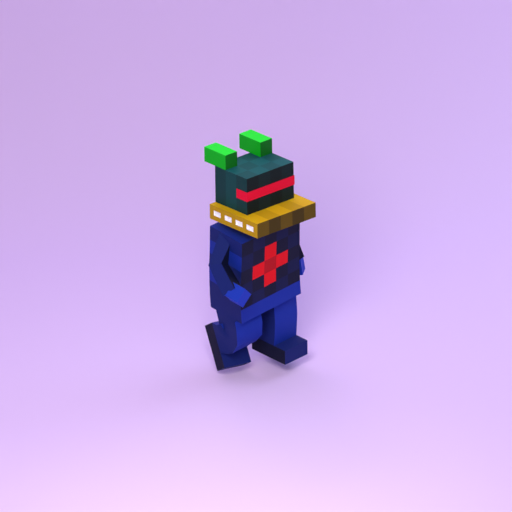
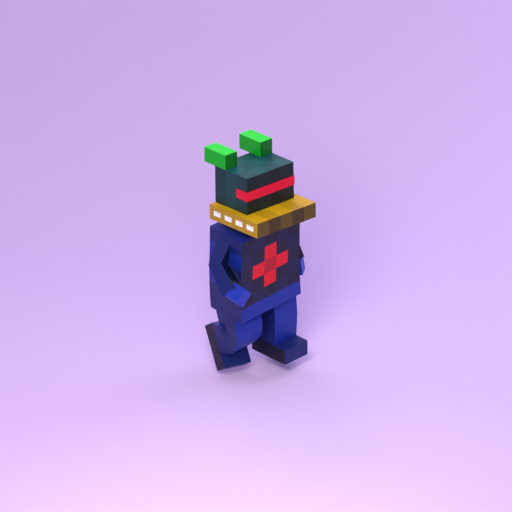
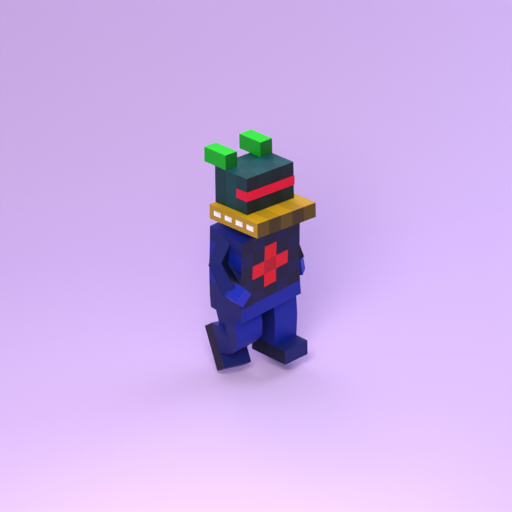
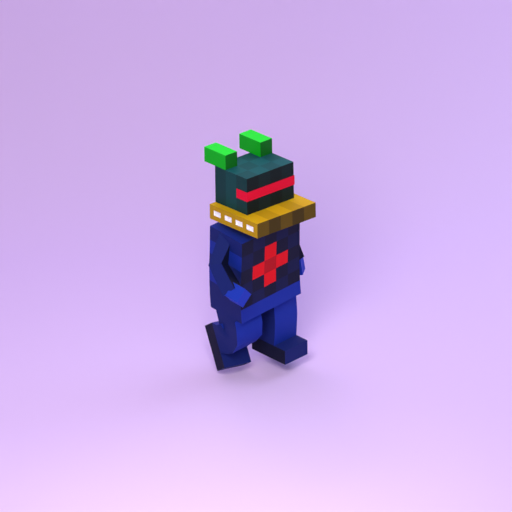
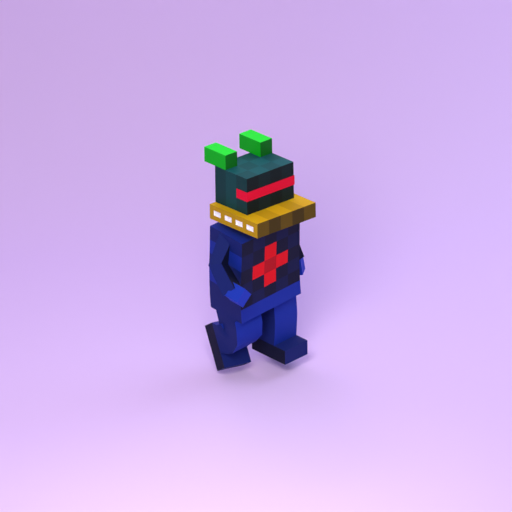
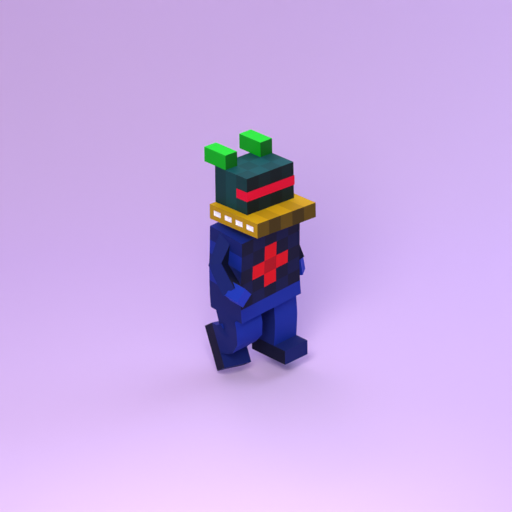
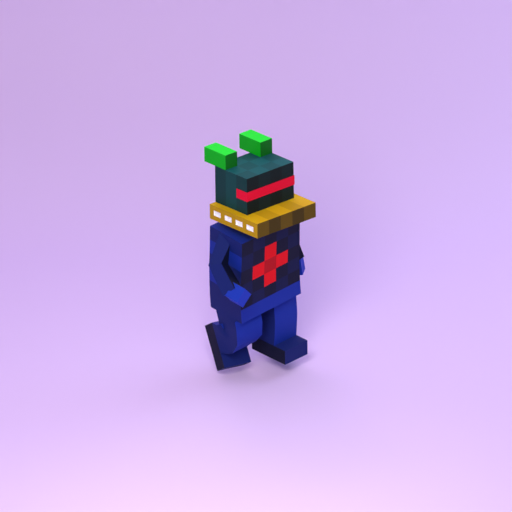
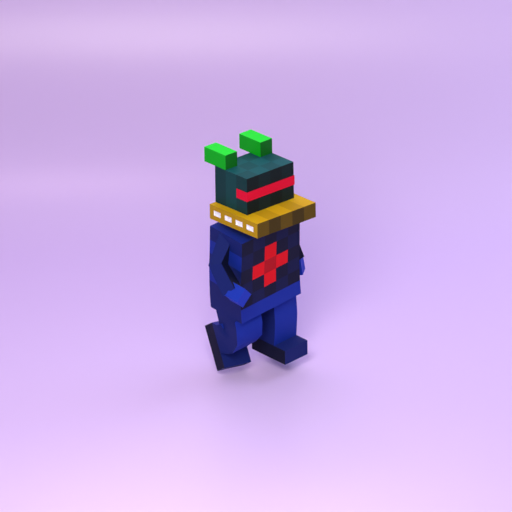
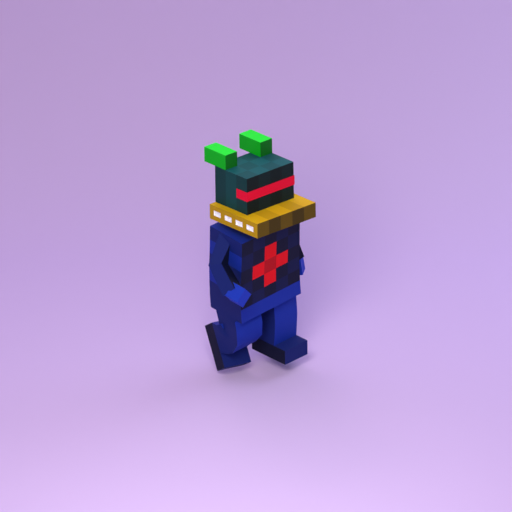
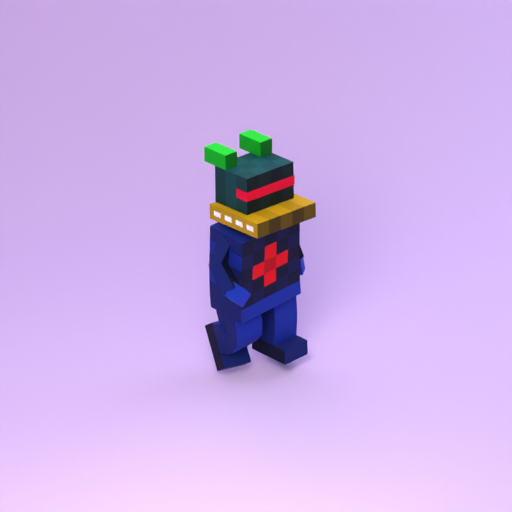
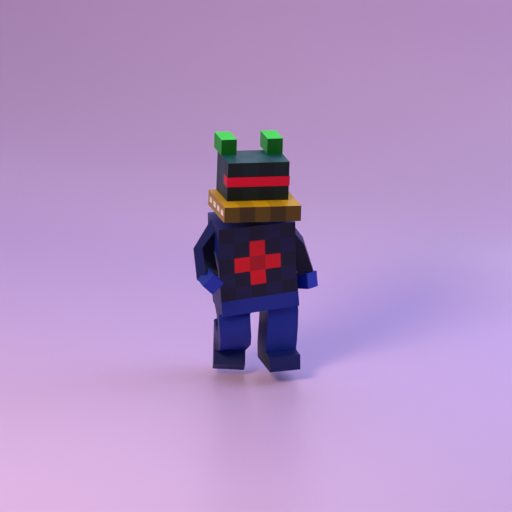
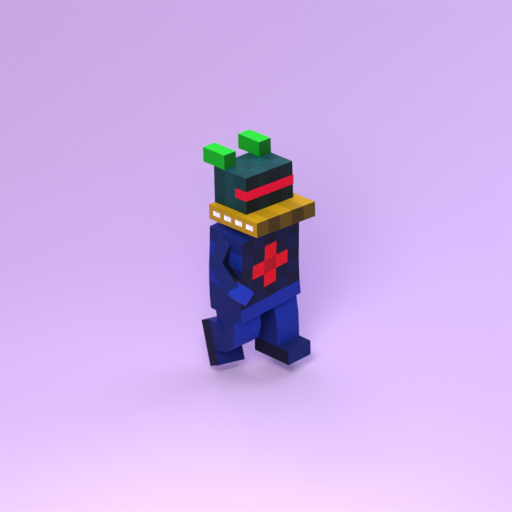
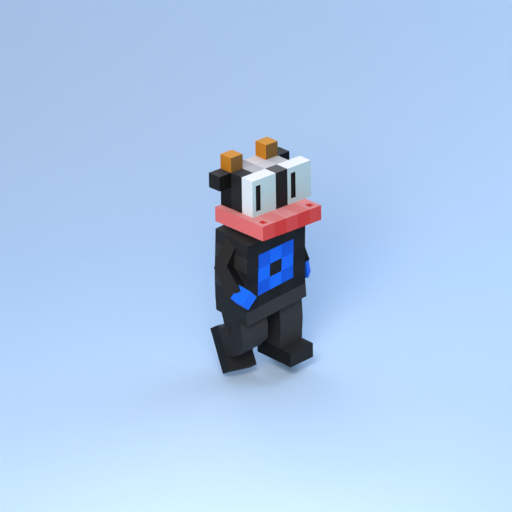
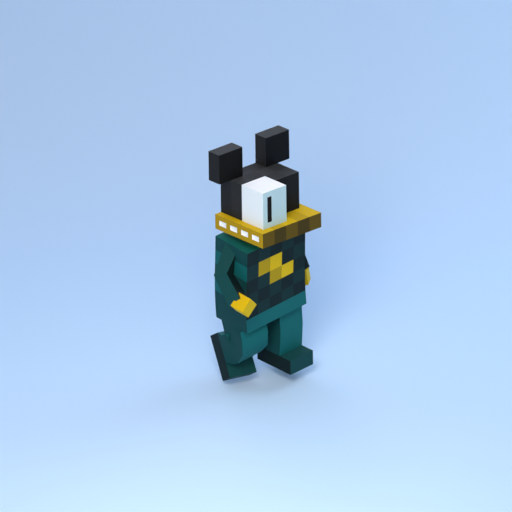
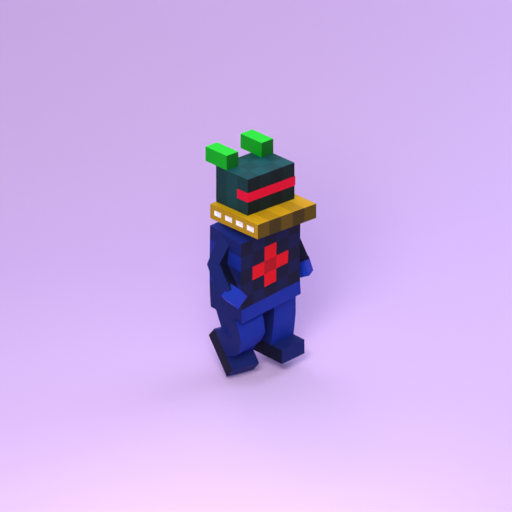
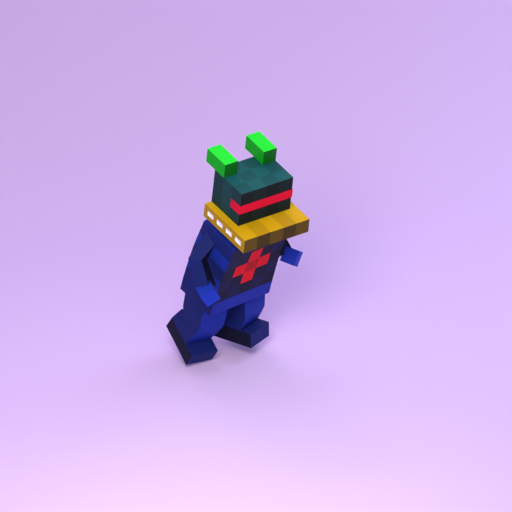
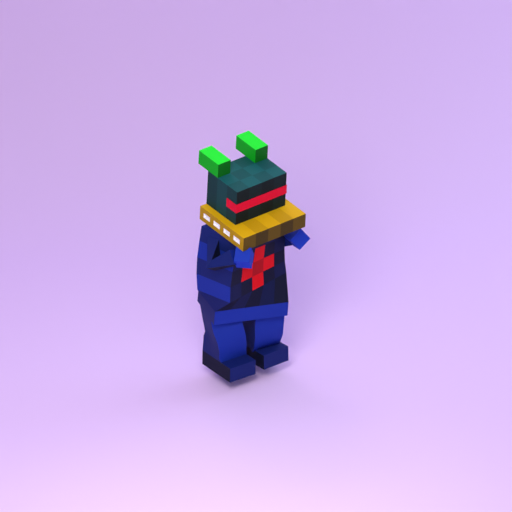
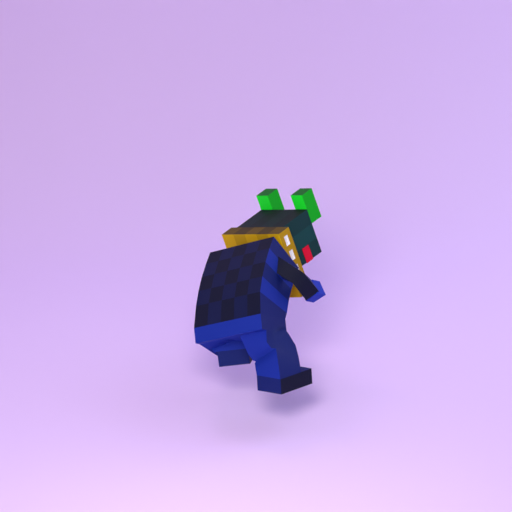
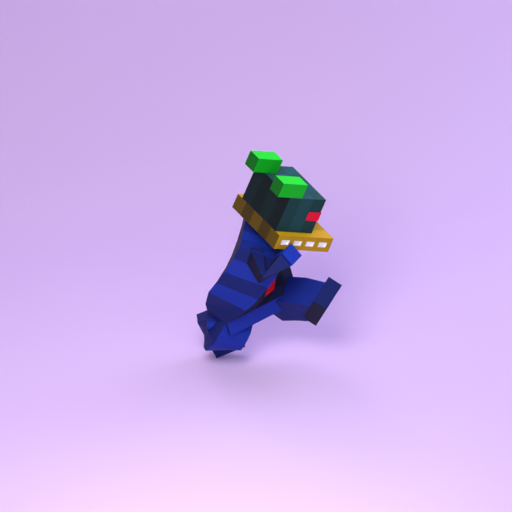
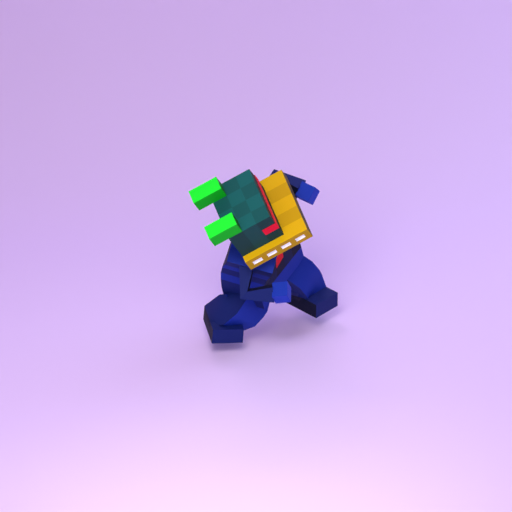
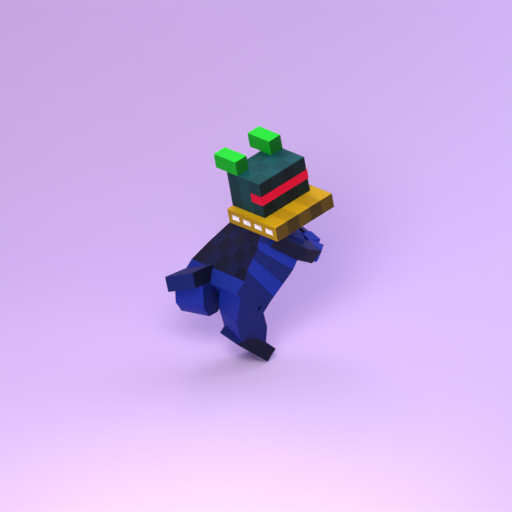
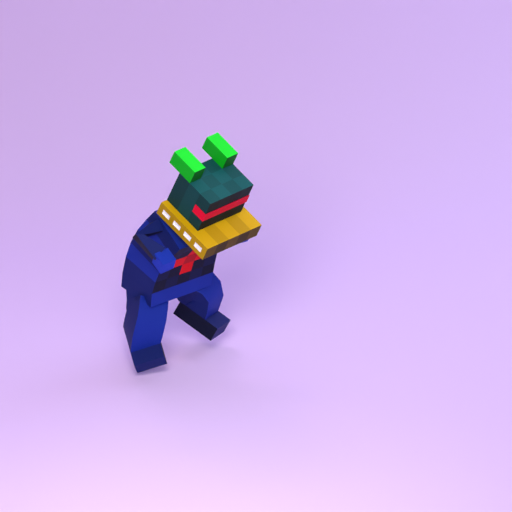
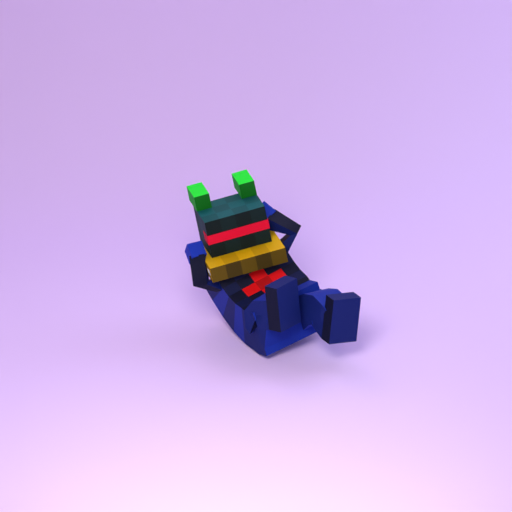
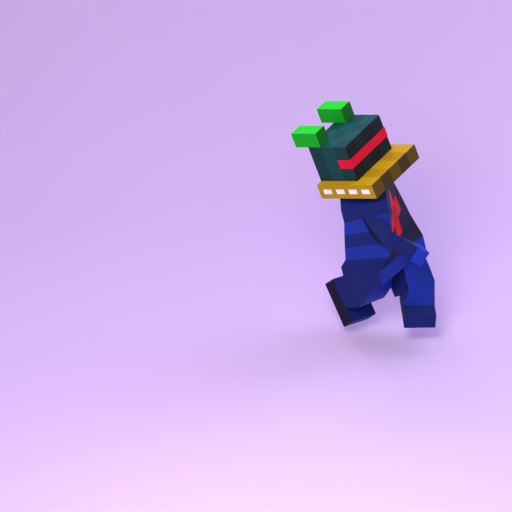
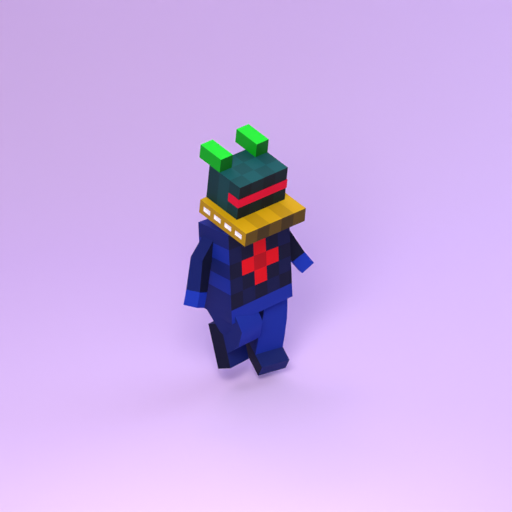
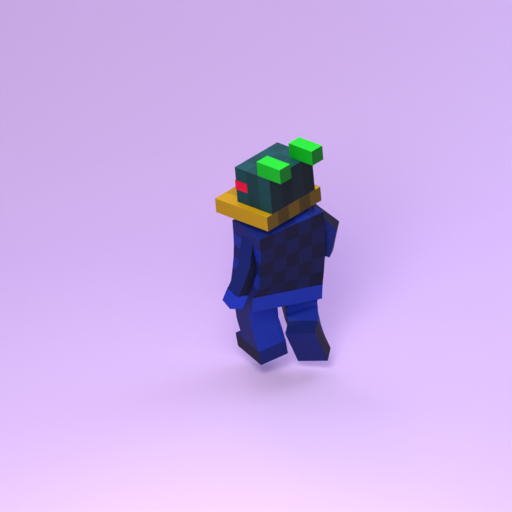
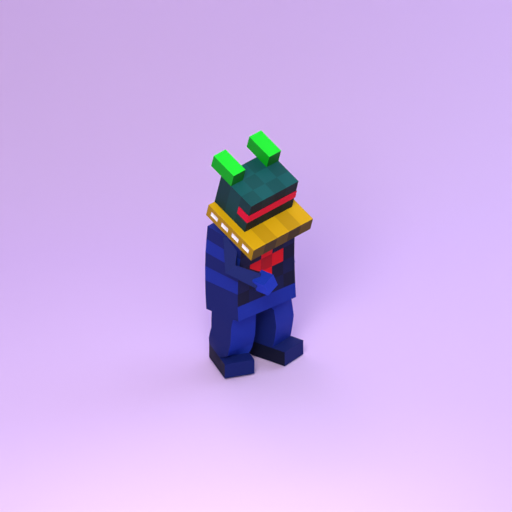
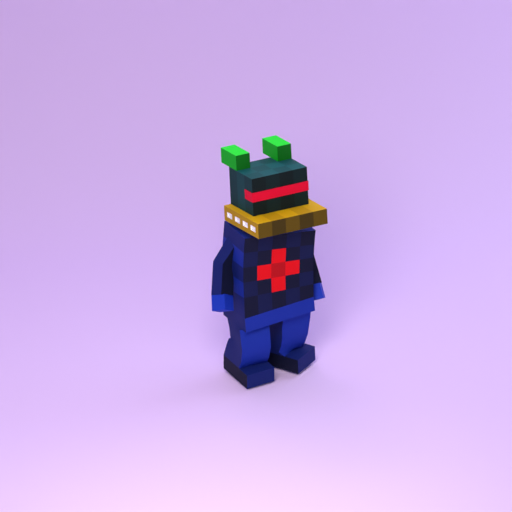
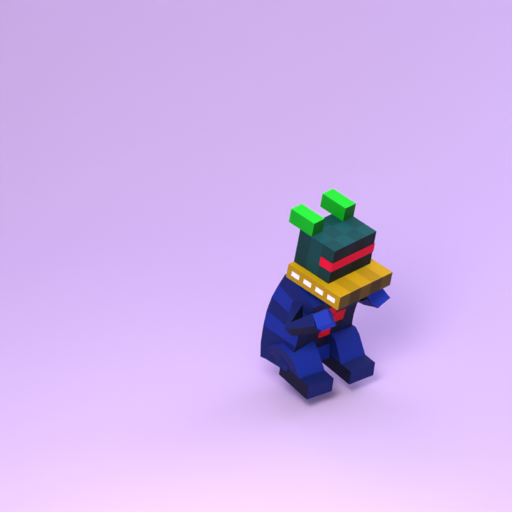
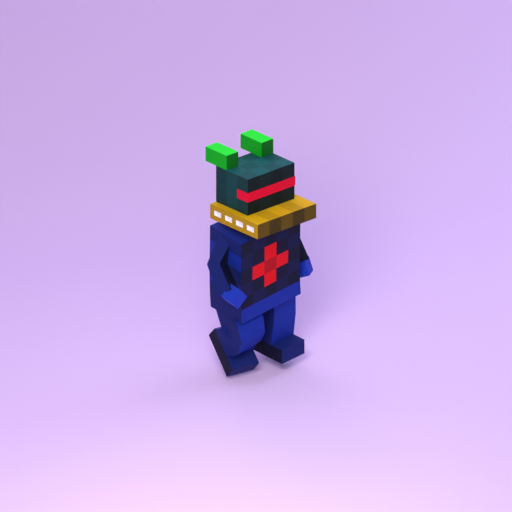
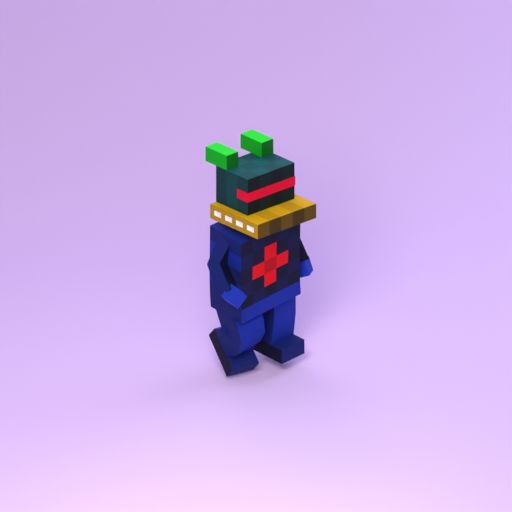
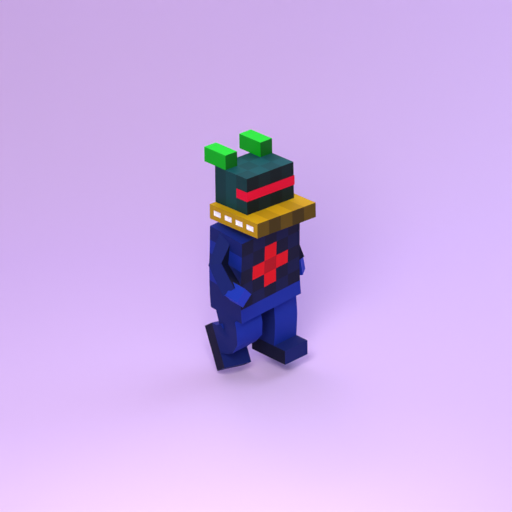
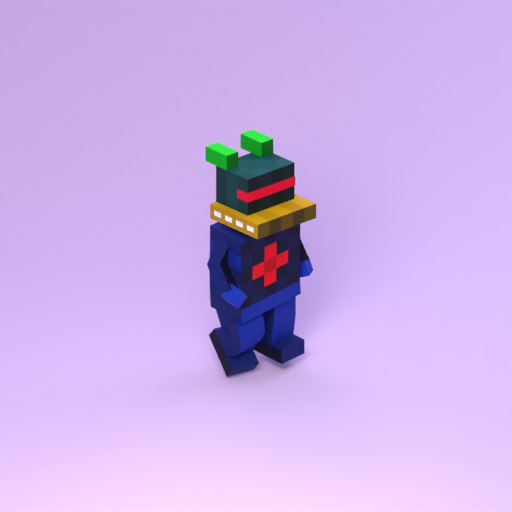
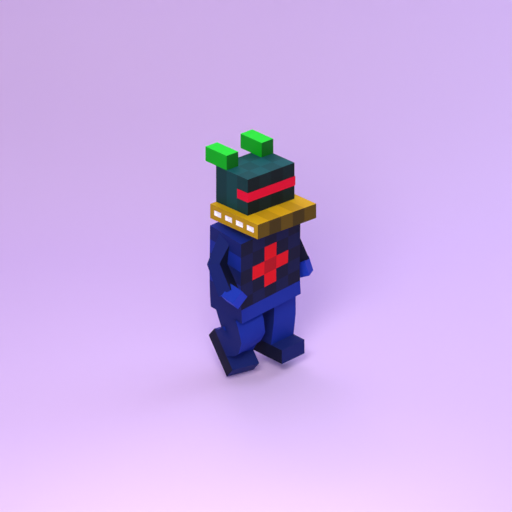
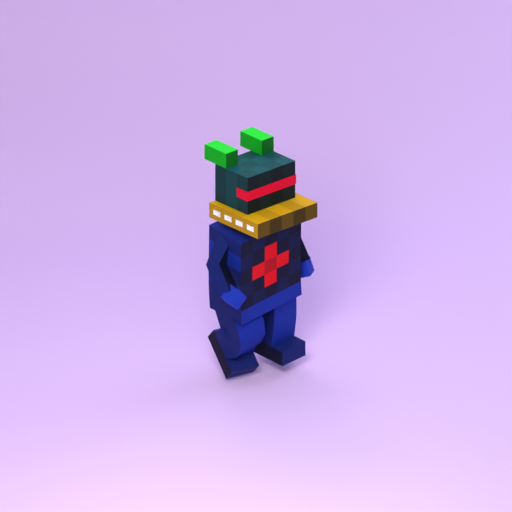
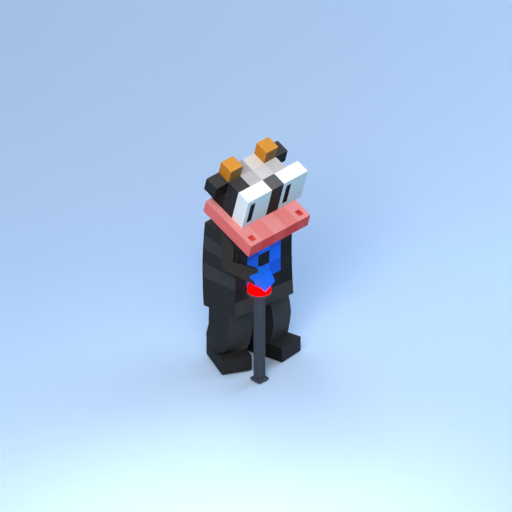
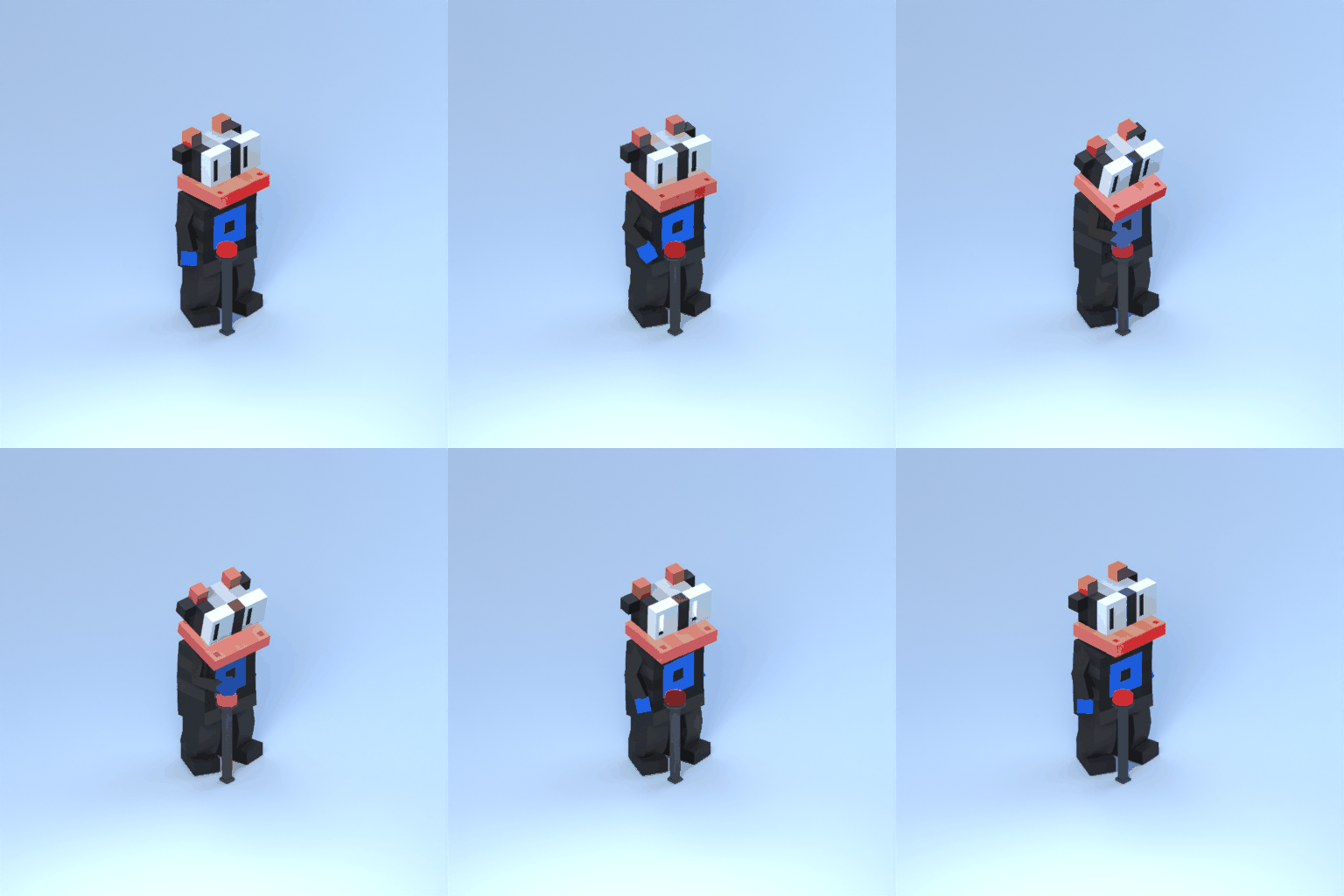
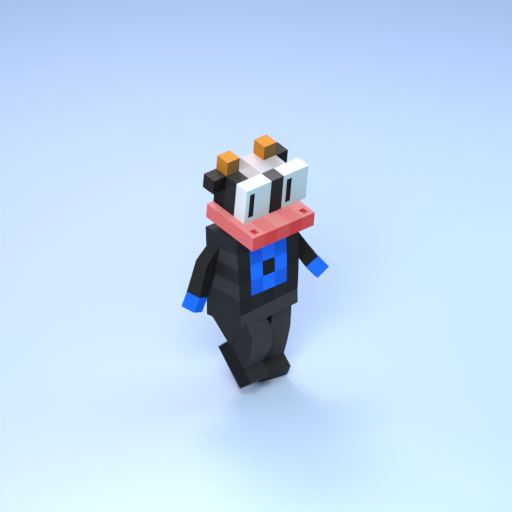
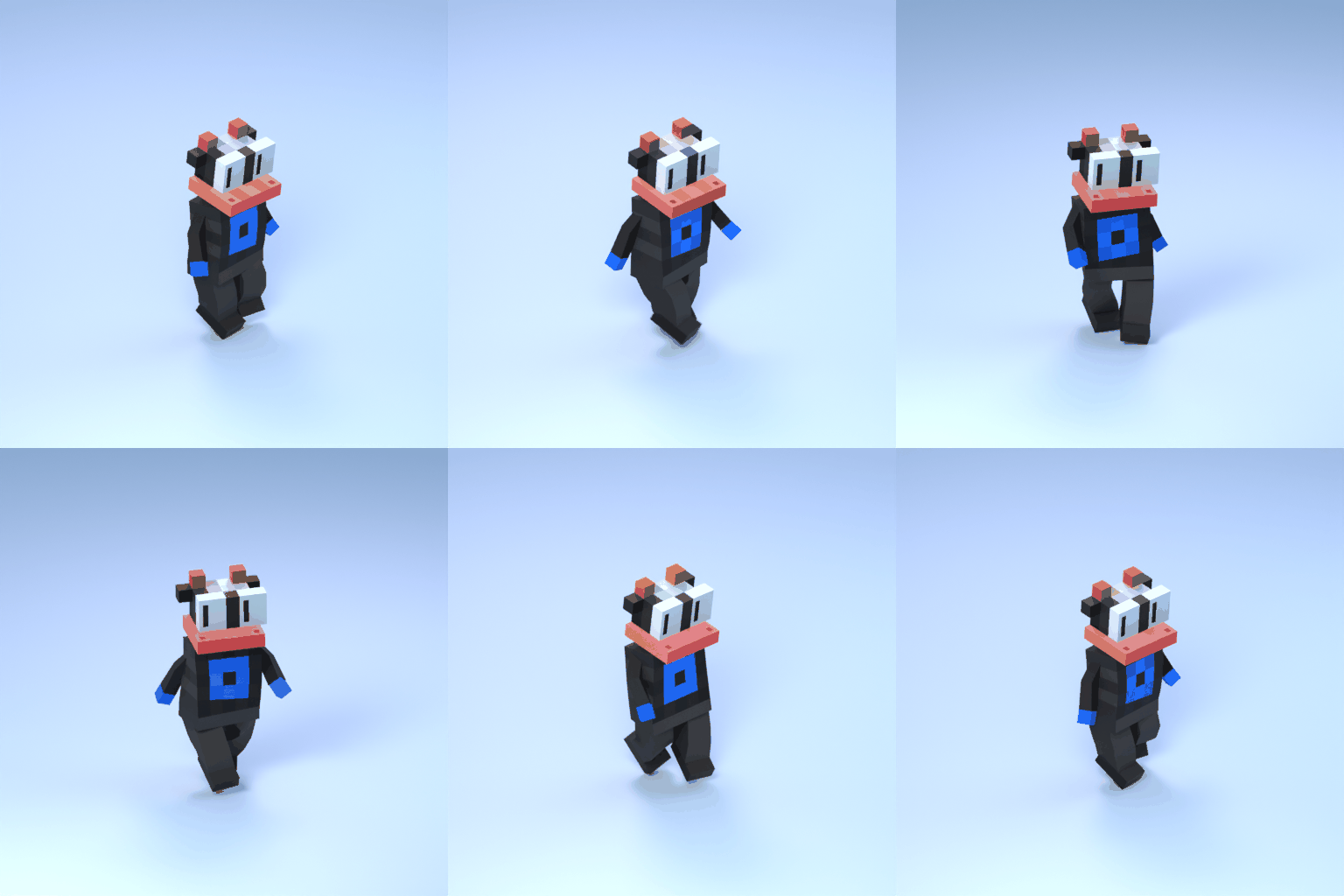
Install Blender 4.5.0 and Python 3.11. Extract a token package, then run:
cd 00012
python3 -m pip install -r requirements.txt
The package includes the model, motion sources, custom scene assets and soundtracks. Blender is detected on PATH or at its standard macOS location; use --blender "/path/to/blender" to select another installation. On Windows, replace python3 with py -3.11.
First animation
python3 scripts/fuku.py animate --source "sources/mixamo/Walking.fbx"
python3 scripts/fuku.py studio --motion walking
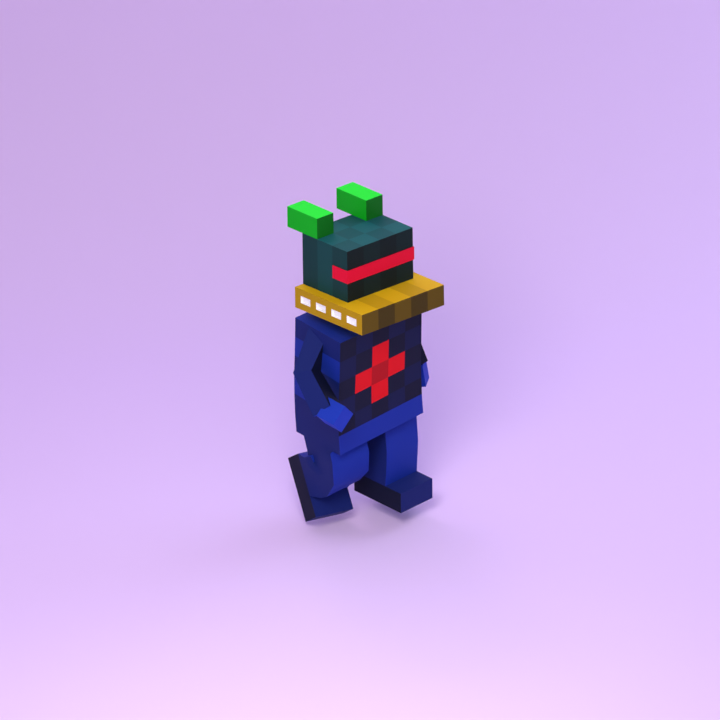
animate saves corrected BLEND and FBX files. studio creates PNG frames, an MP4 and a GIF. Defaults: canonical studio, matte floor, 512 × 512 pixels, 24 samples, 12 fps.
Generate a motion once, then reuse it for scene comparisons. Use --overwrite only to regenerate it deliberately.
Run python3 scripts/fuku.py <command> [options] from an extracted token folder. Command and Example entries below show the part that follows the script name. The animation file example uses token 00012 from Setup.
Replace placeholders such as <name>, <path> and <n> with actual values, omitting the angle brackets. [options] means optional arguments; omit the square brackets too.
Prepare animation
Command
Usage
Example
animate --source <path>
Apply a source FBX motion to the character and save validated BLEND and FBX files. A recognized source checksum selects its correction profile automatically.
animate --source sources/mixamo/Walking.fbx
animate --source <path> --profile <name>
Explicitly select a correction profile from scripts/config/animation_profiles.json. Required for an unrecognized source; overrides automatic profile selection.
These 15 animations are included in every token package. Paths are relative to the extracted package.
Animation
FBX path
walking
sources/mixamo/Walking.fbx
walker_walk
sources/mixamo/Walker Walk.fbx
rumba_dancing
sources/mixamo/Rumba Dancing.fbx
change_direction
sources/mixamo/Change Direction.fbx
hurricane_kick
sources/mixamo/Hurricane Kick.fbx
dodging_right
sources/mixamo/Dodging Right.fbx
female_standing_pose
sources/mixamo/Female Standing Pose.fbx
jumping_down
sources/mixamo/Jumping Down.fbx
bicycle_crunch
sources/mixamo/Bicycle Crunch.fbx
baseball_hit
sources/mixamo/Baseball Hit.fbx
catwalk_walk_forward_highknees
sources/mixamo/Catwalk Walk Forward HighKnees.fbx
catwalk_walk
sources/mixamo/Catwalk Walk.fbx
button_pushing
sources/mixamo/Button Pushing.fbx
idle
sources/mixamo/Idle.fbx
situps
sources/mixamo/Situps.fbx
* For a Mixamo animation not included in the package’s sources/mixamo/ list, see Add a new Mixamo animation for the download steps, manifest entry and correction settings.
Render in Studio
Command
Usage
Example
studio
Render a prepared animation to PNG frames, MP4 and GIF. Generate the animation with animate first.
studio
studio --motion <name>
Select a generated motion by its profile name. Default: walking. Loads its BLEND file from the package’s animations/<name>/ folder; does not generate the motion.
studio --motion walking
studio --animation <path>
Use an explicit character animation instead of the default input. Studio, button and UFO support BLEND or FBX; multicamera build requires BLEND. Overrides --motion in Studio. Relative paths start at the package for Studio and button/multicamera build, and at the current working directory for UFO build and inspect.
studio --animation animations/walking/00012.walking.blend
studio --scene-profile <name>
Select a scene preset containing camera, lighting, materials and render defaults. Default: canonical_balanced_matte. Multicamera retains its fixed camera edit. See scene examples below. Also supported by button build/render and multicamera render.
studio --scene-profile soft_product_matte
studio --camera-profile <name>
Use the camera from another scene preset while retaining the other selected settings. Multicamera rejects this option. Also supported by button build/render.
studio --camera-profile frontal_clean_matte
studio --studio-lighting <name> studio --material-treatment <name> studio --ground-material <name>
Override the preset’s lighting, character materials or floor material. Choices are illustrated in the lighting, materials and floor examples below. Also supported by button build/render and multicamera render.
studio --studio-lighting soft studio --material-treatment matte studio --ground-material satin_vinyl
studio --signal-profile <name>
Select an animated lighting/camera overlay from scripts/config/scene_signal_profiles.json. This release provides subtle_studio_polish. Studio has no overlay by default; multicamera uses this overlay by default. Also supported by button build/render and multicamera render.
Build a custom scene, render it, then create a GIF from the completed frames. Run these commands in order with the same recipe and output directory; use matching render settings for gif.
Choose ufo, button or multicam. Default: ufo. Use the literal name multicam for the multicamera recipe. Use with inspect, build, render or gif.
build --recipe ufo
render --recipe multicam --music <name-or-path>
Select all (default), none, mid_strut, mid_strut_2, or an audio file path. Music versions fit the complete track and may have different durations. GIFs are silent.
render --recipe multicam --music mid_strut
Shared options
These options work with multiple commands. Usage notes describe where each option is supported.
Command
Usage
Example
studio --package <path> --token-id <n>
Select an extracted token package, or check that its public ID matches <n> (1–10000). The default package contains the launcher. --token-id does not select or download a token; use its website ID, not its internal ID.
studio --package ../05936 --token-id 5936
studio --output <path>
Set the output directory. Relative paths start at the current working directory. Defaults are animations/<name>/ for animation preparation, artworks/studio/<scene-profile>/ for Studio, and artworks/<recipe>/ for custom recipes, all inside the package. Relative --source paths start at the package.
studio --output artworks/studio_preview
studio --size <n> studio --samples <n>
Set square image dimensions to <n> × <n> pixels (minimum 32), or Cycles samples per pixel (minimum 1). The default Studio preset uses 512 × 512 and 24 samples; UFO uses 720 × 720 and 32 samples; multicamera uses 720 × 720 and 16 samples. Denoising is enabled.
studio --size 512 studio --samples 24
studio --fps <n>
Set output frames per second, from 1 to 120, for Studio/button (default preset: 12). Multicamera requires 12; UFO requires 24. Other rates are rejected for those recipes.
studio --fps 12
studio --frame <n>
Render a single source frame as PNG. UFO uses its scene frame number. Multicamera render requires the full edit and rejects this option. Use with studio, render --recipe button or render --recipe ufo.
studio --frame 15
studio --dry-run
Print input or render settings without building or rendering. Input animations must exist; custom render checks require a built scene. Unsupported commands do not provide a dry run. Supported by studio and button/multicamera build and render only.
Allow an existing animation or custom scene to be regenerated. Does not replace an incompatible render cache; choose a new --output directory when changing settings.
UFO uses its own camera, lighting and beam treatment; generic studio overrides are rejected. Multicamera keeps its A/B1 camera edit and 12-fps frame maps. Button accepts regular matrix settings and FPS. Use the same output directory across build/render/GIF and the same size/samples for the GIF command.
Palette and deeper edits
Copy scripts/config/ufo_palette.json to ufo_palette.json in the token root to customize the UFO’s palette, then build into a new output folder. Numeric camera geometry, recipe timing, and individual choreography signals are profile/module edits, not additional CLI flags.
AI agent handoff
You can work with an AI coding agent to animate your Fukuhedron and create renders. All 10,000 token packages include the instructions the agent needs to work from your extracted folder:
AGENTS.md — the starting point, directing the agent to the package documentation and workflow.
scripts/docs/AGENT_HANDOFF.md — the animation and rendering workflow, validation checks, and guidance for preserving original files.
Open the extracted token folder in your agent’s workspace and ask it to read these files before making changes. The handoff also points to scripts/README.md and scripts/docs/CODE_MAP.md. The agent should identify your token from package.json, generate a preview first, and report the output paths and any failed checks.
Example request for your agent
Read AGENTS.md and scripts/docs/AGENT_HANDOFF.md in this token package, along with the documentation they reference.

Use the included Walking motion to animate this character. Preserve the original files, validate both the BLEND and FBX outputs, and render a low-resolution studio preview for me to review before the final render. Tell me where the outputs are saved and report any failed checks.
Versions
Tested on macOS x86_64 with Blender 4.5.0, Python 3.11.10, Blender Python 3.11.11 and Pillow 12.2.0. See VERSIONS.md and requirements.txt in the token package.
Examples
Output files
Regular studio folders contain studio_scene.blend, frames/, studio_report.json, delivery.json, animation.mp4 and animation.gif. A still request produces the scene, report and PNG only. Button and multicamera use settings-specific render subfolders. UFO uses frames_<size>px_<samples>s/ and a similarly named MP4.
The example commands use a separate artworks/cli_examples/<example>/ folder per comparison. This avoids mixing frame caches from different settings.
Choose what you want to change, then explore the pictures and open Commands for an example you like.
Regular motions
Run animate once for each motion, then studio. These clips use the canonical studio. Female Standing Pose is a static pose. Regular motions animate the character only; they do not add props.
--camera-profile selects only the camera from a named preset. The CLI supports the three distinct camera angles below; numeric angle and zoom changes require editing the profile.
--size sets square pixel dimensions, --samples sets Cycles samples, and --fps sets temporal sampling and output FPS. Denoising is enabled. PNGs include 300-DPI metadata; video uses pixel dimensions and FPS.
Choosing samples
Use 24 samples or more as a starting point, and 32 or more for final output. Use 1–8 for quick previews. Denoising is enabled at every sample count; more samples improve its input. If reflections, shadows or the UFO beam remain noisy, increase the count and check the moving clip for flicker.
Use the 1-based website/marketplace ID. Website token 1 is internal token 0, in folder 00001/. The package handles that conversion; do not subtract one in commands. Examples below run from the indicated token folder.
Use a generated character BLEND or FBX with --animation. Select another extracted character with --package. --token-id checks its 1-based website ID.
Generate the required motion, build the scene, then render and create the GIF. Use the same --output folder throughout and matching render settings for the GIF.
The downloaded FBX supplies the motion. An entry in scripts/config/animation_profiles.json names the output and selects the corrections applied to that motion.
Download the motion
Upload the rigged FBX from your package’s rigged/ folder to Mixamo. Select an animation, tune its settings, and download it as FBX with Without Skin selected. Save it in sources/mixamo/. The examples here use Crawl.fbx.
Add a profile
From the extracted token folder, calculate the downloaded file’s MD5 checksum:
python3 -c "import hashlib; from pathlib import Path; p = Path('sources/mixamo/Crawl.fbx'); print(hashlib.md5(p.read_bytes()).hexdigest())"
Recommended default
Add this entry inside the manifest’s animations object as a starting point. Give the entry key and output_name the same new name, such as crawl. Set source_filename to the exact downloaded filename and source_md5 to the printed checksum. Separate entries with a comma.
This uses the downloaded motion with the corrections below. Inspect the result and tune the settings for that motion. A matching checksum selects the profile automatically; --profile crawl selects it explicitly. Recalculate the checksum if you replace or re-download the FBX.
Correction settings
Edit these JSON settings in the profile. Values omitted from settings inherit the manifest’s defaults. These are animation corrections; scene appearance is controlled separately by studio.
Setting
Manifest default
Effect
arm_profile
"raw"
"raw" keeps the imported arm motion unless mirroring is enabled. "walking" forces character-left to character-right mirroring with a half-cycle offset, overriding the mirror settings. "walker_walk" lowers and moves the character’s left arm inward when mirroring is disabled. This setting is separate from the manifest entry name: the bundled walking entry uses "raw".
arm_mirror_source
"character-right"
"none" retains independent arm motion. "character-left" or "character-right" mirrors that anatomical arm’s geometry and motion onto the opposite arm. Left and right refer to the character, not the viewer. Set "none" explicitly to avoid inheriting mirroring.
arm_mirror_phase
0.0
Offsets the source motion when mirroring, measured in cycles. 0.0 uses the same point in the cycle; 0.5 uses a half-cycle offset. Has no effect when mirroring is disabled. arm_profile: "walking" forces 0.5.
leg_motion
0.88
Controls how much upper-leg rotation is retained around its average pose. 1.0 retains the full rotation range; 0.0 holds the average orientation. Values are limited to 0–1. This changes leg movement, not playback speed.
head_tilt_degrees
0.0
Adds head roll around the character’s forward axis, in degrees. Zero adds no tilt. Positive and negative values tilt in opposite directions; inspect the result for clearance around the shoulders and mouth.
arm_motion
0.58
Present in the manifest, but unused by the current correction implementation. Changing it currently has no effect.
The recommended default preserves independent arm movements, retains 0.88 of the upper-leg rotation range, and adds no head tilt. It explicitly sets arm_mirror_source to "none" to override the manifest default. Enable mirroring only when the motion needs that correction. All Mixamo animations generated by this script are in place: horizontal travel is removed, while vertical movement is retained. To enable horizontal travel, either add it in Blender after generation, or modify scripts/lib/apply_mixamo_animation.py to skip make_in_place(...) and regenerate from an FBX that contains the original travel.
 HiFoHub